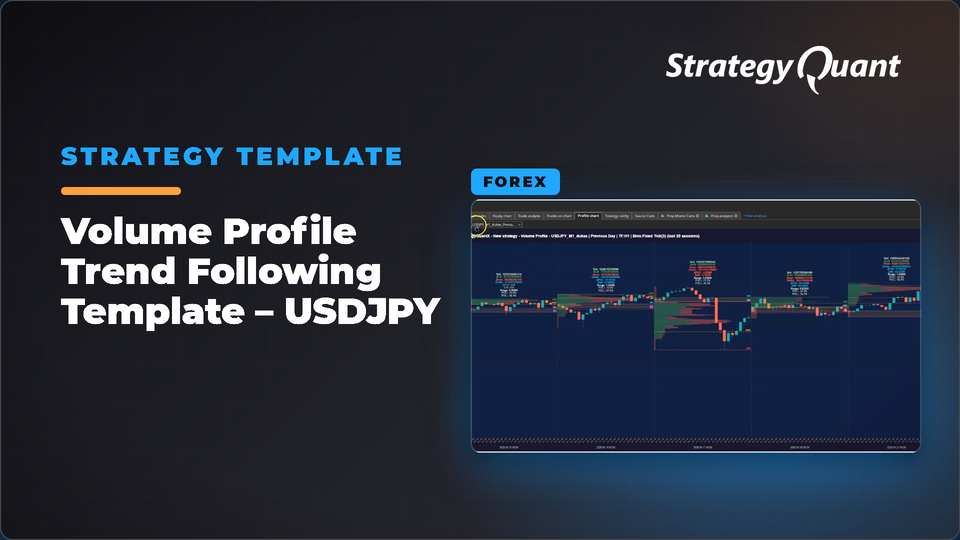
USDJPY trend-following template using Volume Profile and Point of Control analysis to identify directional market moves. Ideal for generating databanks and building portfolios with 1-minute precision testing. The included build config / custom project keeps the author's broker settings (symbol, engine, timeframe). After installing, set your own data in every task.
The USDJPY Volume Profile template is a ready-to-use StrategyQuant X template designed for generating robust trend-following strategies based on market structure and traded volume distribution. The template uses Volume Profile logic, especially Point of Control (POC) movement and value area analysis, to identify periods where the market transitions from balance into directional movement.
Instead of relying on traditional lagging indicators, this template focuses on how the market accepts or rejects price levels. By comparing the current session’s POC with previous sessions, the template detects shifts in market sentiment and generates trading opportunities aligned with institutional market activity.
The template was tested using large-scale databank generation with out-of-sample validation and 1-minute precision simulation. Across thousands of generated strategies, the template demonstrated strong robustness, reduced average drawdown, and a high percentage of profitable out-of-sample results.
Inside the template you will find:
• Volume Profile conditions
• Point of Control (POC) momentum logic
• Trend-following entry structure
• Randomized exits for databank diversification
• Optimized setup for USDJPY
• Ready for large-scale strategy generation
• Compatible with portfolio building workflows
• Designed for StrategyQuant X Build 144
This template is ideal for traders who want to build statistically robust databanks using modern market structure concepts rather than traditional indicator combinations alone.
Data and broker settings
The build config was set up on the author's broker data:
These settings are not converted to your data automatically. If a symbol is not in your Data Manager, StrategyQuant X may use a different symbol and a shorter date range. Before you run it:
1. Open every task (Build, Retest, Monte Carlo…) and choose your own symbol, timeframe and engine on the Data tab.
2. Set the in-sample and out-of-sample dates to match your data.
3. Check spread, commission and slippage for your broker.
4. Save the project or config under your own name.