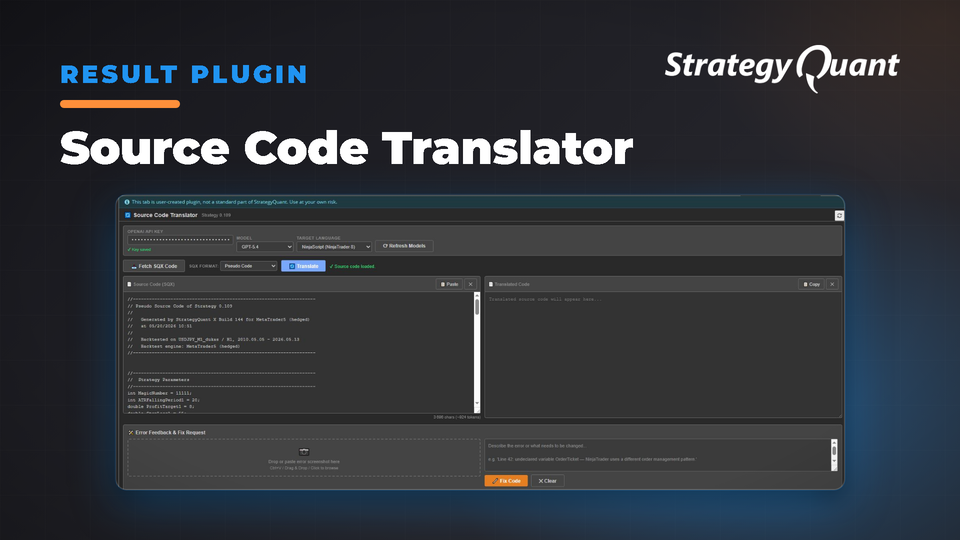
Translate StrategyQuant X strategies to 15 trading platforms including Pine Script, MQL, NinjaScript, EasyLanguage, and cTrader with AI code generation and error correction. No manual recoding required.
What Is It?
The Source Code Translator is a Results Plugin for StrategyQuant X that translates strategy source code into 15 different trading platform languages — directly from the Results tab, in one click.
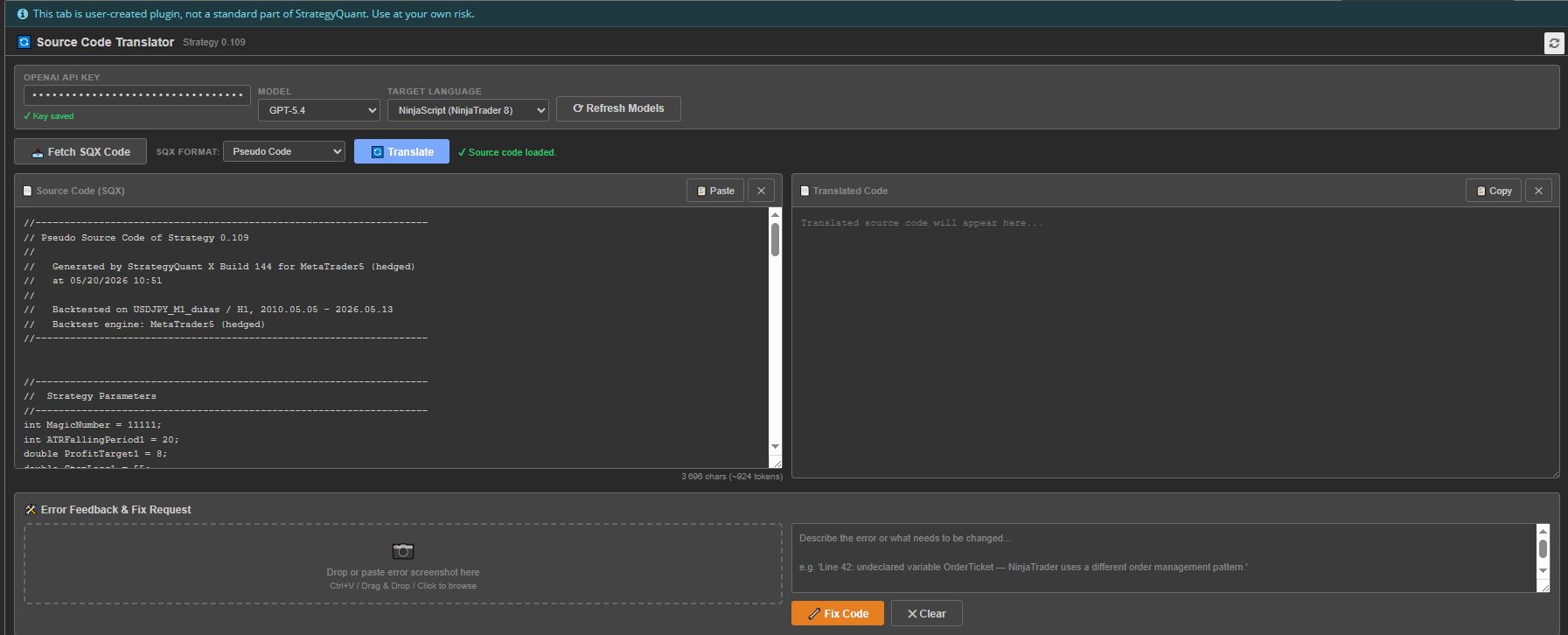
Select a strategy, choose your target platform, and the plugin uses the OpenAI API to generate a fully compilable translation including entry and exit rules, indicators, parameters, and order management logic.
Why You Need This
Platform Freedom: Your strategies work on any platform — TradingView, NinjaTrader, MetaTrader, cTrader, and 11 more.
Instant Results: Complete, compilable code in seconds, streamed in real time.
15 Target Platforms:
• NinjaTrader 8 | NinjaScript (C#)
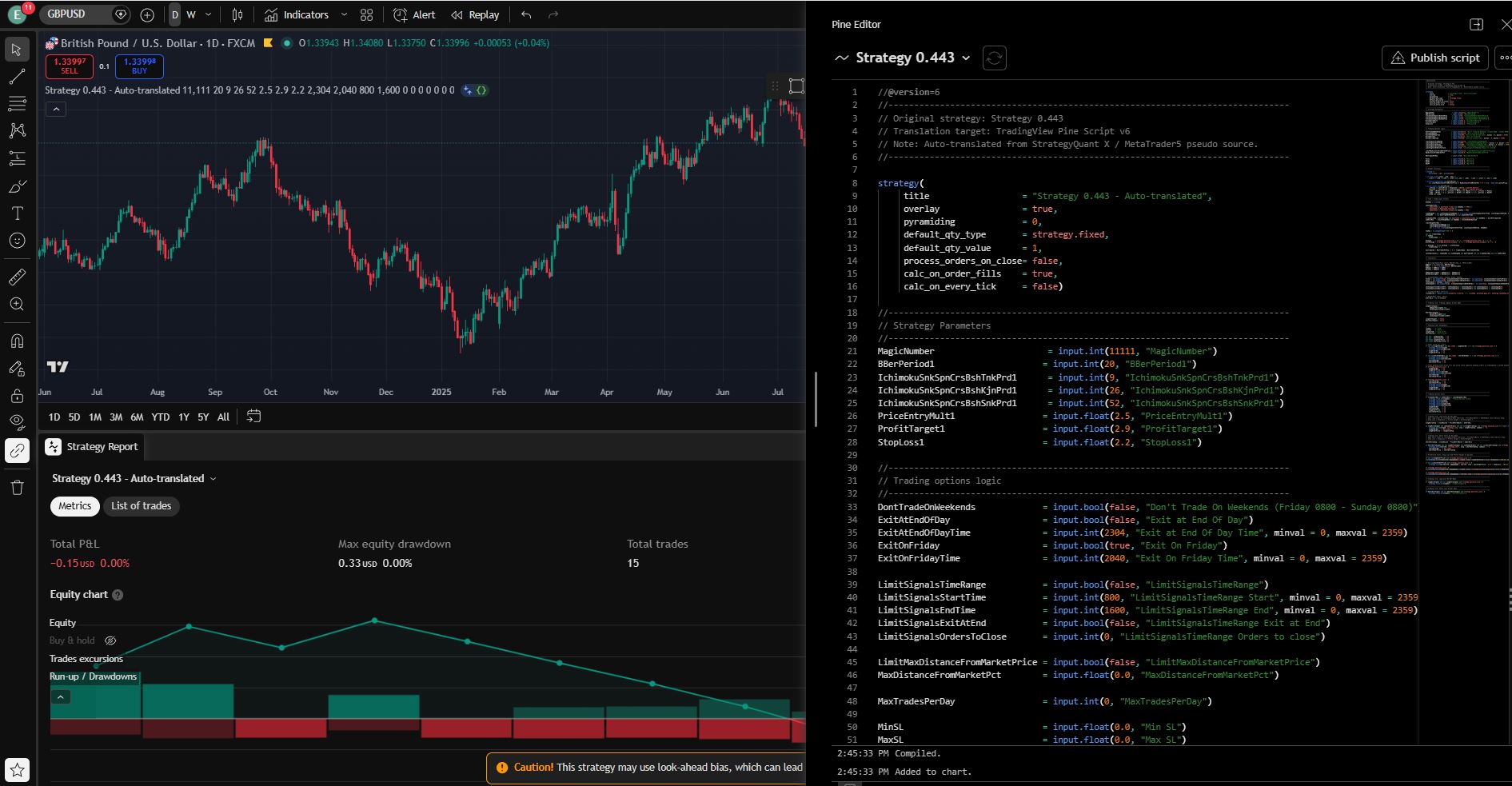
• TradingView | Pine Script v6
• MetaTrader 4 | MQL4
• MetaTrader 5 | MQL5
• TradeStation | EasyLanguage
• MultiCharts | PowerLanguage
• MultiCharts.NET | C#
• AmiBroker | AFL
• Python / backtrade | Python
• Python / Zipline | Python
• cTrader / cAlgo | C#
• JForex / Dukascopy | Java
• ThinkorSwim | ThinkScript
• WealthLab | C#
• ProRealTime | ProBuilder
Built-In Error Correction: Drop or paste compiler error screenshots directly into the plugin, describe the issue, and click 🔧 Fix Code to receive a corrected version. Attach up to 5 screenshots and iterate as many times as needed.
Choose Your AI Model: GPT-4o, GPT-4.1, GPT-4.5 Preview, GPT-5.4, o3-mini, o4-mini, and more. Click ⟳ Refresh Models to fetch the latest from your OpenAI account.
Use Your Own API Key: Stored securely in your browser's local storage. Pay only for what you use — no subscriptions, no middlemen.
How It Works
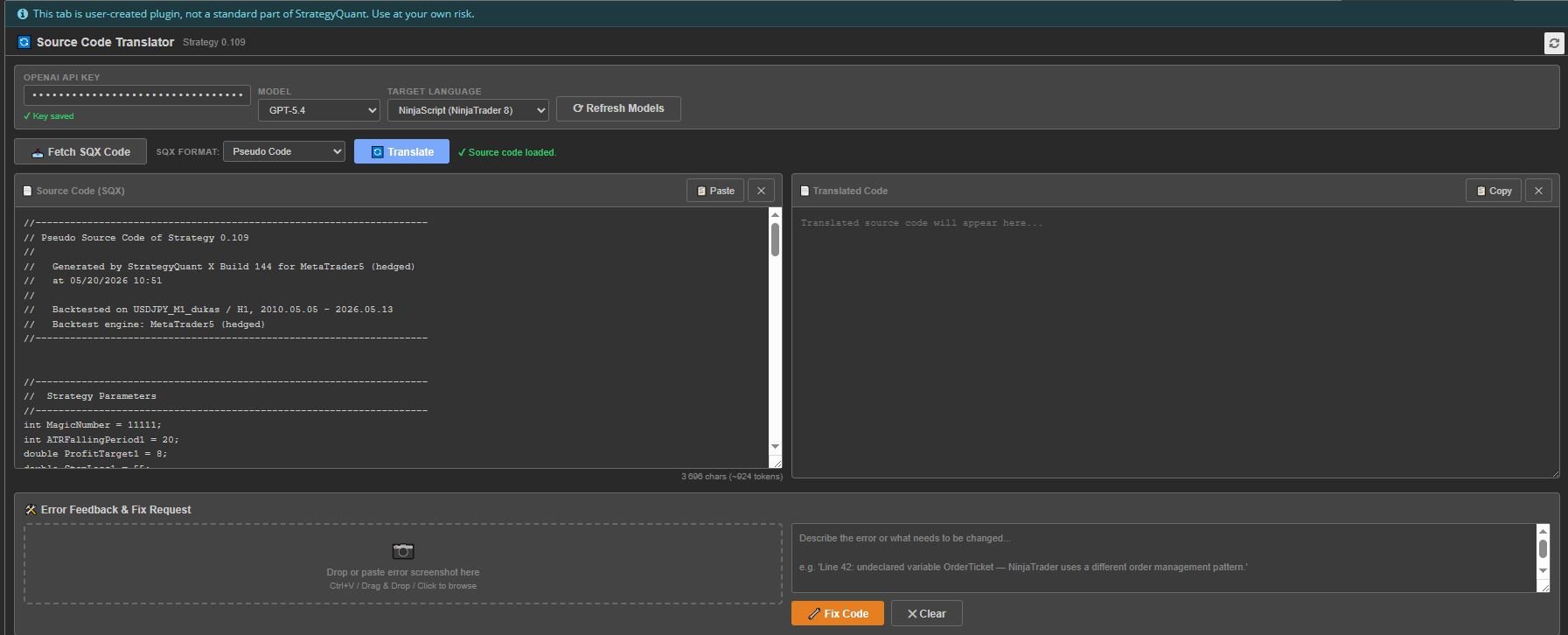
Step 1: Click any strategy in a databank.
Step 2: Click 📥 Fetch SQX Code to pull the source code. Choose format: Pseudo Code (recommended), MQL4, MQL5, EasyLanguage, Java, or XML. Or paste code manually.
Step 3: Select your target platform from the Target Language dropdown.
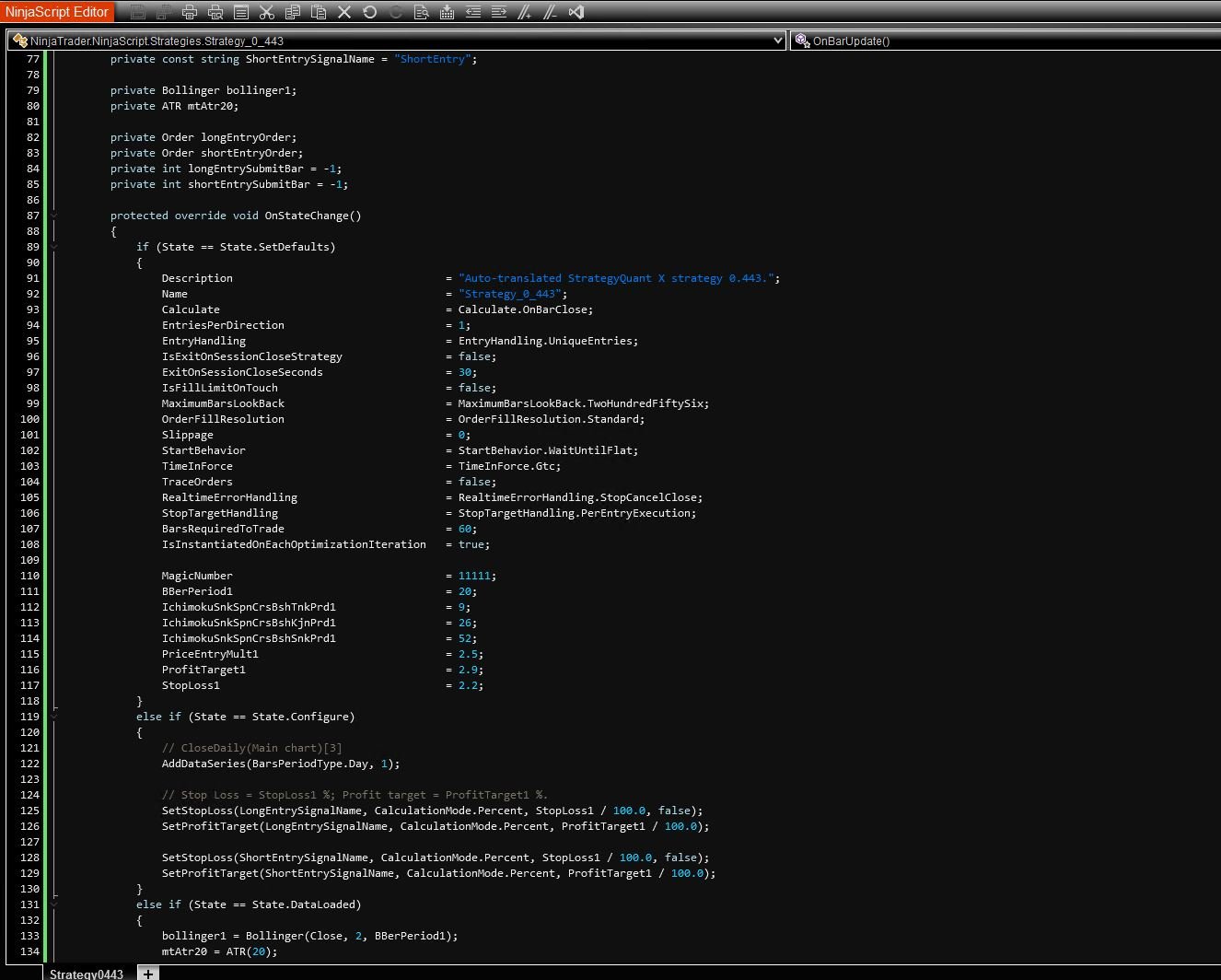
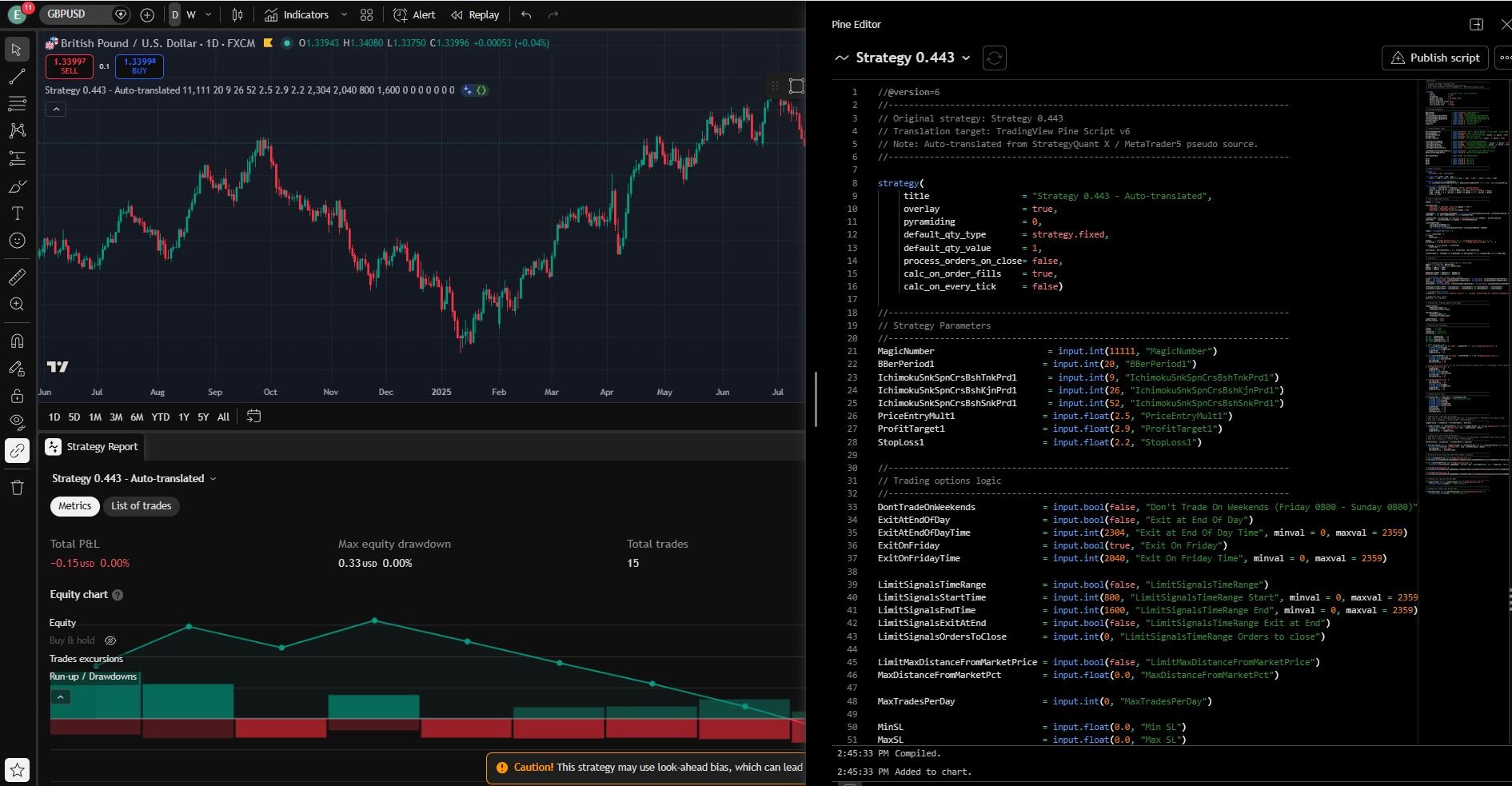
Step 4: Click 🔄 Translate. The AI translates all rules, indicators, parameters, and order logic, using idiomatic conventions and including all necessary imports and boilerplate for direct compilation.
Step 5: Click 📋 Copy to copy the translated code to your clipboard, then paste into your target platform's editor.
NinjaScript Editor:
TradingView:
Step 6 (If Needed): If there are compilation errors, take a screenshot of the error, drop or paste it into the Error Feedback section, optionally describe the issue, and click 🔧 Fix Code. The AI analyzes your screenshots and feedback and produces a corrected version.
Installation
• Download the Plugin
• Open the Code Editor
• Import the plugin (at the top of the Code Editor)
• Restart StrategyQuant X or reload the results tab
• The plugin appears as a new tab in the Results panel
• Enter your OpenAI API key on first use — it will be remembered for future sessions
Note: You need a StrategyQuant X Pro or Ultimate license to use custom Results Plugins. The Starter license does not support plugin extensions.
FAQ
Q: Do I need an OpenAI account?
A: Yes. You need an OpenAI API key (starts with sk-proj-…). Create one at platform.openai.com. API usage is pay-per-use and extremely affordable.
Q: Which model should I use?
A: GPT-4o offers the best balance of speed, quality, and cost. For complex strategies, try GPT-4.1 or GPT-5.4 for higher accuracy. Use GPT-4o Mini or GPT-4.1 Nano for the cheapest option.
Q: What source format works best?
A: Pseudo Code is recommended as it is platform-neutral and clearly describes strategy logic. However, any supported format (MQL4, MQL5, EasyLanguage, Java, XML) works well.
Q: The translated code doesn't compile — what do I do?
A: Use the built-in Error Feedback & Fix section. Take a screenshot of the compiler errors, paste it into the plugin, optionally add a text description, and click 🔧 Fix Code. The AI will analyze the error and produce a corrected version.
Q: Is my API key secure?
A: Your API key is stored in your browser's localStorage and sent only to the OpenAI API endpoint. It is never transmitted to StrategyQuant or any third party.
Q: Can I translate strategies I didn't create in SQX?
A: Yes! You can paste any trading strategy source code into the Source panel manually.
Video Tutorials:
NinjaTrader Example
TradingView Example