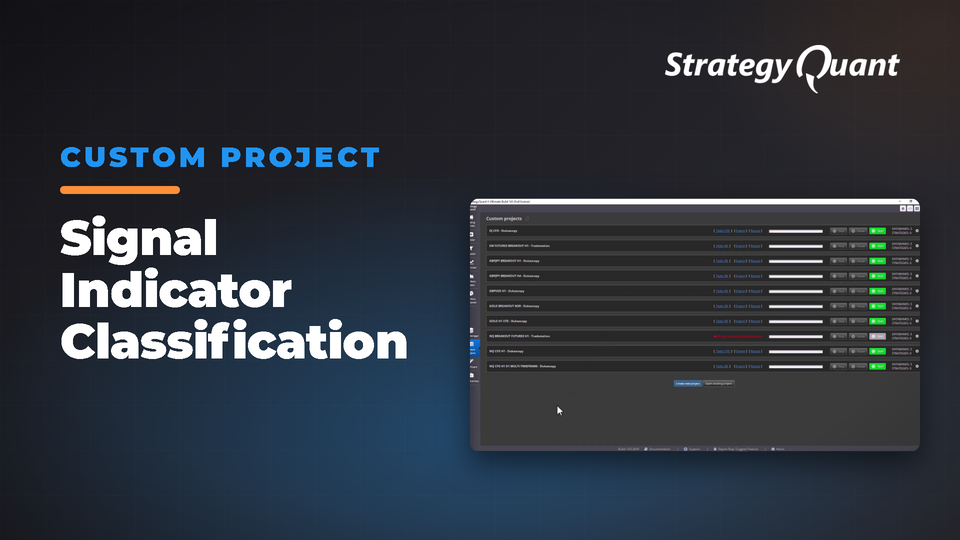
Workflow that classifies 140 signal indicators by type for systematic strategy development and backtesting. Features customizable filters, individual task control, and works with any symbol and timeframe. The included build config / custom project keeps the author's broker settings (symbol, engine, timeframe). After installing, set your own data in every task.
SQX 140 Signal Indicator Groups by Primary Classification
1. Trend Indicators
ADX (Average Directional Index)
Aroon
Directional Index
Gann Hi-Lo
Hull Moving Average
Ichimoku
KAMA (Kaufman Adaptive Moving Average)
KAMA Efficiency Ratio
Lin Reg (Linear Regression)
Moving Average
Parabolic SAR
Super Trend
Trend
2. Momentum
Awesome Oscillator
Bears Power
Bulls Power
CCI (Commodity Channel Index)
De Marker
Laguerre RSI
MACD (Moving Average Convergence Divergence)
Momentum
OSMA (Oscillator of Moving Average)
QQE (Quantitative Qualitative Estimation)
Reflex
ROC (Rate of Change)
RSI (Relative Strength Index)
Schaff Trend Cycle
SR Percent Rank
Stochastic
Vortex
Williams %R
3. Volatility
ATR (Average True Range)
Bollinger Bands
Keltner Channel
Std Dev (Standard Deviation)
Ulcer Index
4. Volume
Avg Volume
5. Time-Based
Bar and Time
6. Pattern Recognition
Candle Patterns
Fractal
7. Support and Resistance
Highest Lowest
The Workflow
The Symbol
EURUSD_M1_UTC2 H1 MT4
But should work for any symbol, timeframe, trading engine
The Filters
One filter for both Ranking and Higher Backtest Precision: Annual % Return, set at 42.58%
Tasks disabled
Volume – Not appropriate for Forex
Time Based – Used in advanced situations and usually very specific
All tasks can be enabled or disabled individually at users’ discretion.
Big Note
Have Signal Indicator Groups that you have added to your setup.
Simply add them to the appropriate Classification task.
Data and broker settings
The custom project was set up on the author's broker data:
These settings are not converted to your data automatically. If a symbol is not in your Data Manager, StrategyQuant X may use a different symbol and a shorter date range. Before you run it:
1. Open every task (Build, Retest, Monte Carlo…) and choose your own symbol, timeframe and engine on the Data tab.
2. Set the in-sample and out-of-sample dates to match your data.
3. Check spread, commission and slippage for your broker.
4. Save the project or config under your own name.