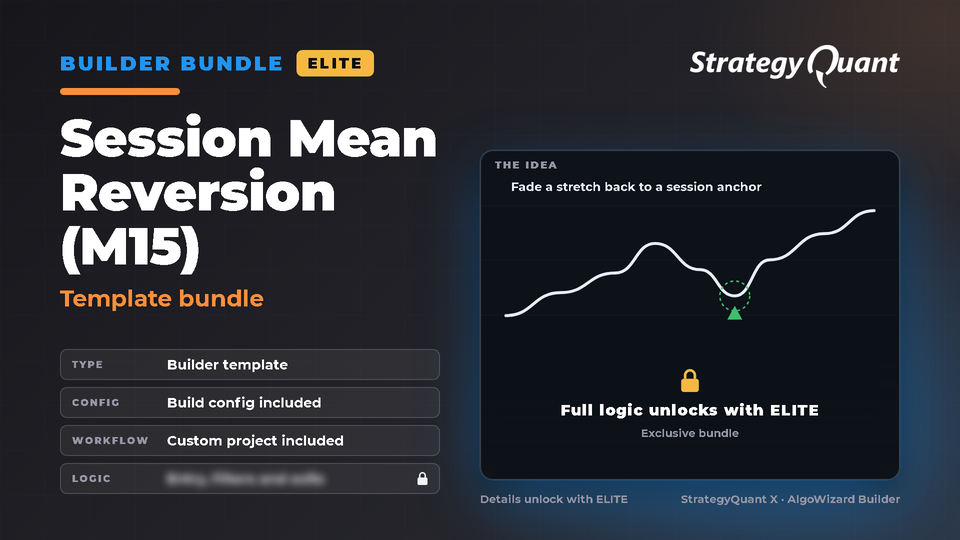
Bundle for the StrategyQuant X Builder: 1 template, 1 build config and a custom project (workflow). The idea: intraday mean reversion in the US session on M15 index futures; the Builder searches the trigger, an optional regime filter and an optional confirmation. Template and settings are installed in one step. Listed under Forex and Futures. The included build config / custom project keeps the author's broker settings (symbol, engine, timeframe); update the symbol settings to your own data in every task.
Session Mean Reversion (M15)
Bundle for the StrategyQuant X Builder: 1 template, 1 build config and a custom project (workflow). The idea: intraday mean reversion in the US session on M15 index futures; the Builder searches the trigger, an optional regime filter and an optional confirmation. Template and settings are installed in one step.
Included files
Template: settings/StrategyTemplates/Session Mean Reversion (M15) - Template.sqx
Build config: settings/Configs/Session Mean Reversion (M15) - Build config.cfx
Custom project (workflow): projects/Session Mean Reversion (M15)/project.cfx
How to use
1. Install the bundle (Marketplace in StrategyQuant X).
2. Builder > Full settings > What to build > Strategy from template: choose the template.
3. Builder > Choose config: load the build config, then set your own symbol, timeframe and dates.
4. Custom Projects: open the project; its Build task already points to the installed template. Set the symbol, timeframe and dates in each task before you run it.
Tested
Tested in StrategyQuant X 145 and the Builder generated strategies from it.
Requirements
StrategyQuant X 145.3205 or newer and your own market data.
Data and broker settings
Markets: listed under Forex and Futures templates. The included files were set up on NQ futures data (NinjaTrader8, see below); whichever market you trade, update the symbol settings to your own data first.
The build config and custom project were set up on the author's broker data:
• Engine: NinjaTrader8
• Main symbol: @NQ_DarwinexTime, M15, 2016.01.01 – 2025.06.30
• Other symbols used in tasks: SP_M1_dukas, DJ_M1_dukas
These settings are not converted to your data automatically. If a symbol is not in your Data Manager, StrategyQuant X may use a different symbol and a shorter date range. Before you run it:
1. Open every task (Build, Retest, Monte Carlo…) and choose your own symbol, timeframe and engine on the Data tab.
2. Set the in-sample and out-of-sample dates to match your data.
3. Check spread, commission and slippage for your broker.
4. Save the project or config under your own name.
Important notes
• Designed for NQ futures M15 (CME, New York session); the files use the engine label NinjaTrader8. The project and config expect the data symbol @NQ_DarwinexTime (CME NQ on the Darwinex server clock, EST+07) in your Data Manager.
ELITE1 download
Included with membership
Free for ELITE members
Files
Bundle-SessionMeanReversionM15.sqm132 KBLocked
Download unlocks after purchase or with an active tier.