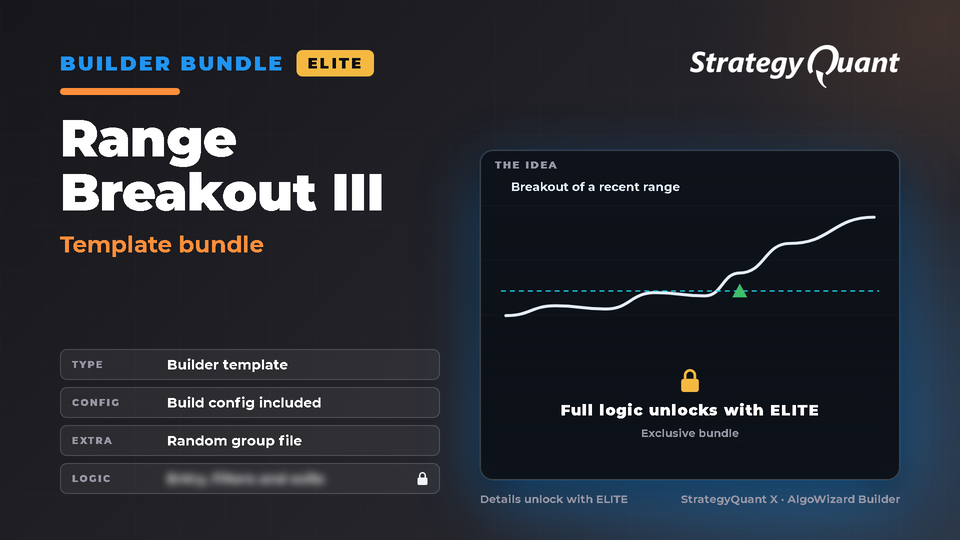
Bundle for the StrategyQuant X Builder: 1 template and 1 build config. The idea: stop-order breakout of a recent price range using OHLC price levels. Template and settings are installed in one step. Listed under Forex and Futures. The included build config / custom project keeps the author's broker settings (symbol, engine, timeframe); update the symbol settings to your own data in every task.
Range Breakout III
Bundle for the StrategyQuant X Builder: 1 template and 1 build config. The idea: stop-order breakout of a recent price range using OHLC price levels. Template and settings are installed in one step.
Included files
Template: settings/StrategyTemplates/Range Breakout III - Template.sqx
Build config: settings/Configs/Range Breakout III - Build config.cfx
Extra file: extend/Sources/Range Breakout III/CustomGroup.xml
How to use
1. Install the bundle (Marketplace in StrategyQuant X).
2. Builder > Full settings > What to build > Strategy from template: choose the template.
3. Builder > Choose config: load the build config, then set your own symbol, timeframe and dates.
4. Import CustomGroup.xml as a Builder random group (see the README.txt in extend/Sources).
Tested
Tested in StrategyQuant X 145 and the Builder generated strategies from it.
Requirements
StrategyQuant X 145.3205 or newer and your own market data.
Data and broker settings
Markets: listed under Forex and Futures templates. The included files were set up on the author's MetaTrader 5 broker data (see below); whichever market you trade, update the symbol settings to your own data first.
The build config was set up on the author's broker data:
These settings are not converted to your data automatically. If a symbol is not in your Data Manager, StrategyQuant X may use a different symbol and a shorter date range. Before you run it:
1. Open every task (Build, Retest, Monte Carlo…) and choose your own symbol, timeframe and engine on the Data tab.
2. Set the in-sample and out-of-sample dates to match your data.
3. Check spread, commission and slippage for your broker.
4. Save the project or config under your own name.
Important notes
• The build config was written for another Range Breakout template (its original template reference is not part of this set); it is attached to the closest one. Check the settings before you run it.
ELITE
Included with membership
Free for ELITE members
Files
Bundle-RangeBreakoutIII.sqm45 KBLocked
Download unlocks after purchase or with an active tier.