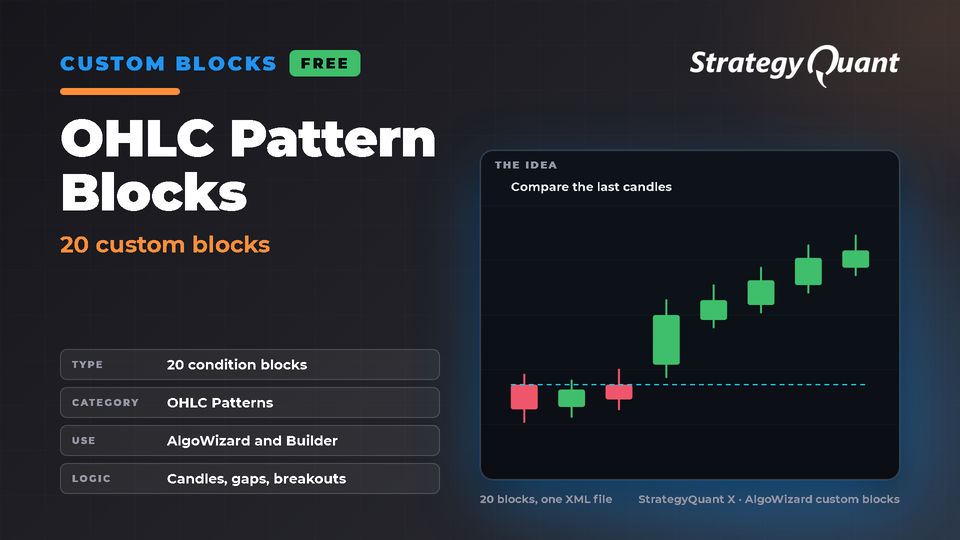
20 custom condition blocks for the StrategyQuant X AlgoWizard and Builder: candle direction, higher / lower high, low, open and close against the previous bar, closes and opens beyond the previous range, gaps and range comparisons. Import the XML in AlgoWizard and use the blocks like any other signal.
OHLC Pattern Blocks
20 custom condition blocks for the StrategyQuant X AlgoWizard and Builder: candle direction, higher / lower high, low, open and close against the previous bar, closes and opens beyond the previous range, gaps and range comparisons. Import the XML in AlgoWizard and use the blocks like any other signal.
1. Install the package (Marketplace in StrategyQuant X); the XML and a README land in extend/Sources.
2. AlgoWizard > Customize > Custom blocks: import the XML.
3. Use the blocks in AlgoWizard or enable them in the Builder building blocks (Signals).
Tested
Tested in StrategyQuant X 145.3205: all 20 blocks load and appear in the custom blocks catalog under OHLC Patterns.
Requirements
StrategyQuant X 145.3205 or newer.
Important notes
• The blocks compare the last closed bars (Shift 1 and 2; two blocks use Shift 3). They have no parameters except the chart.
• No opposite blocks are defined, so a block is its own opposite: long and short rules built from one block are identical unless you define the mirror block yourself (Customize > Custom blocks).
• The last two blocks are named "...TwoBarsHigh" and "...TwoBarsLow" but compare with High[3] and Low[3] only, not with the highest or lowest of two candles (the block help says so).
• The XML is imported through AlgoWizard and merged into your custom blocks; an existing block with the same key is replaced.
• These are building blocks, not strategies.
Free3 downloads
Files
CustomBlocks-OHLCPatternBlocks.sqm2 KBLocked
Download unlocks after purchase or with an active tier.