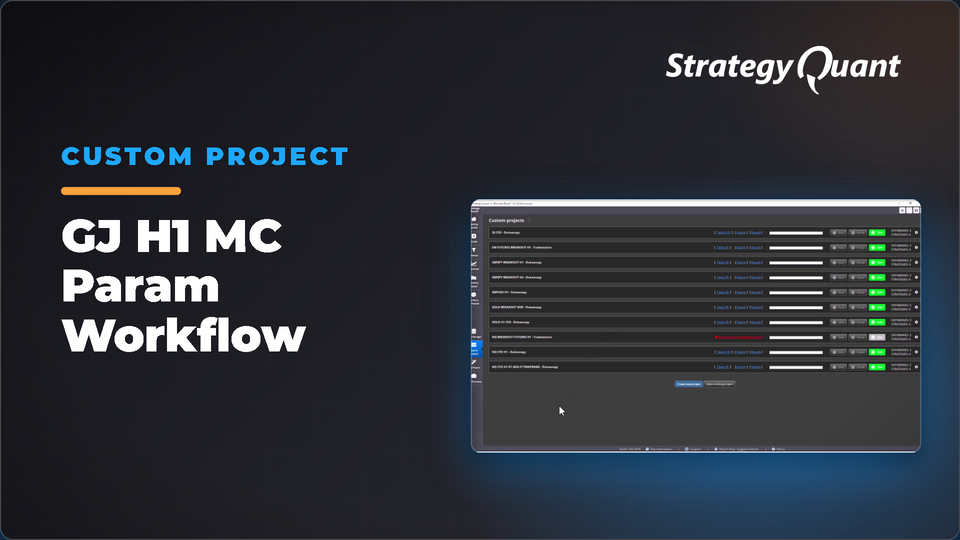
GBPJPY H1 workflow testing strategies with Monte Carlo Parameter across two date ranges (2021 and 2024). Shows why strategies sometimes pass or fail the test with preloaded strategies from Strategy Lab and Algo Lab. The included build config / custom project keeps the author's broker settings (symbol, engine, timeframe). After installing, set your own data in every task.
The why
1. To see why the same strategy will sometimes pass the Monte Carlo Parameter test and sometimes not.
2. Show 2 date range to test, in this case Strategy Lab 2021 and Algo Lab 2024.
The setup
1. Open Existing Project – GJ H1 MC Param Workflow
2. Preload Strategies into databank Preload Strategies
1. GJ_H1_220100100_S_EM_CF_SQX.sqx
2. Strategy 1.31.102.sqx
3. Strategy 2.53.196.sqx
4. Strategy 2.80.132.sqx
5. Strategy 4.47.194.sqx
3. GO TO is preset for 10 cycles
4. Run the project
Notes:
• GJ_H1_220100100_S_EM_CF_SQX.sqx was Retester tested for _UTC2 (EST+07) DST symbol mapping.
• Trading Engine set to MetaTrader4 from MT5 Hedged
• There are 3 workflow specific databanks
• Preload Strategies
– MC Param 2021-03-25 representing 2003-08-04 to 2021-03-25 in GBPJPY EMA Runner.
– MC Param 2024-07-11 representing 2003-08-04 to 2024-07-11 in GBPJPY Live Stream strategies.
– All strategies created in Strategy Lab (2021) or Algo Lab (2024)
These settings are not converted to your data automatically. If a symbol is not in your Data Manager, StrategyQuant X may use a different symbol and a shorter date range. Before you run it:
1. Open every task (Build, Retest, Monte Carlo…) and choose your own symbol, timeframe and engine on the Data tab.
2. Set the in-sample and out-of-sample dates to match your data.
3. Check spread, commission and slippage for your broker.
4. Save the project or config under your own name.
Free
Files
CustomProject-GJH1MCParamWorkflow.sqm2.3 MBLocked
Download unlocks after purchase or with an active tier.