
StrategyQuant
Q AI AssistantAlgoCloudQuantAnalyzerQuantDataManager
Free CourseCompany
BlogDocumentationForumContact us
BlogMarketplace
Log in
Create free account

Product

  • Pricing & licenses
  • Learn
  • Marketplace
  • Start free trial

Legal

  • Terms of Service
  • Privacy Policy
  • Cookies

Contact

[email protected]

Company

StrategyQuant s.r.o.

Korunní 2569/108, Vinohrady, 101 00 Praha 10, Czech Republic, EU

IČ: 04000498

DIČ: CZ04000498

Social

  • Legal Notice | PROCESSING AND PROTECTION OF PERSONAL DATA

    Past performance is no guarantee of future success. All information should be viewed as educational only

    UNITED STATES Disclaimer required by Government - Commodity Futures Trading Commission informs: Futures and options trading have great potential rewards, but also great potential risk. You must be aware of the risks and be willing to accept them in order to invest in the futures and options markets. Don't trade with money you can't afford to lose. This is neither a solicitation nor an offer to buy/sell futures, shares or options on the same. No representation is being made that any account will or is likely to realise profits or losses similar to those discussed in this document. The past performance of any trading system or methodology is not necessarily indicative of future results.

    CFTC RULE 4.41 - HYPOTHETICAL OR SIMULATED PERFORMANCE RESULTS HAVE CERTAIN LIMITATIONS. UNLIKE A RECORD OF ACTUAL PERFORMANCE, SIMULATED RESULTS DO NOT REPRESENT ACTUAL TRADING. ALSO, SINCE THE TRADES WERE NOT EXECUTED, THE RESULTS MAY HAVE OFFSET THE IMPACT, IF ANY, OF CERTAIN MARKET FACTORS, SUCH AS LACK OF LIQUIDITY. SIMULATED TRADING PROGRAMMES IN GENERAL ARE ALSO SUBJECT TO THE FACT THAT THEY ARE DESIGNED WITH THE BENEFIT OF HINDSIGHT. NO REPRESENTATION IS BEING MADE THAT ANY ACCOUNT WILL OR IS LIKELY TO REALISE PROFITS OR LOSSES SIMILAR TO THOSE SHOWN.

    NO REPRESENTATION IS BEING MADE THAT ANY ACCOUNT WILL, OR IS LIKELY TO, REALISE PROFITS OR LOSSES SIMILAR TO THOSE DISCUSSED WITHIN THIS SITE. IF YOU DECIDE TO INVEST REAL MONEY, ALL TRADING DECISIONS IN THE FINANCIAL MARKETS SHOULD BE YOUR OWN.

    © StrategyQuant 2026

    Powered by Klaudie.ai

    Back to marketplaceDIGITAL

    Debug a variable in AlgoWizard

    StrategyQuantIndicators
    Debug a variable in AlgoWizard

    Outputs variables to StrategyQuant's log file for debugging strategies in AlgoWizard. Enable debug mode via the DebugMode parameter to monitor variable values during backtesting and strategy optimization.

    If we create a template or run a strategy in AlgoWizard, we need, sometimes, to output the variable on a log to be able to debug it.

    We have this fdebug function in the CodeEditor, we needed a similar function in AlgoWizard.

    Here is a function fDebug to output the variable to a log file.

    1/ To install it, we need to import this SQExtension V2 in the CodeEditor and restart SQX.

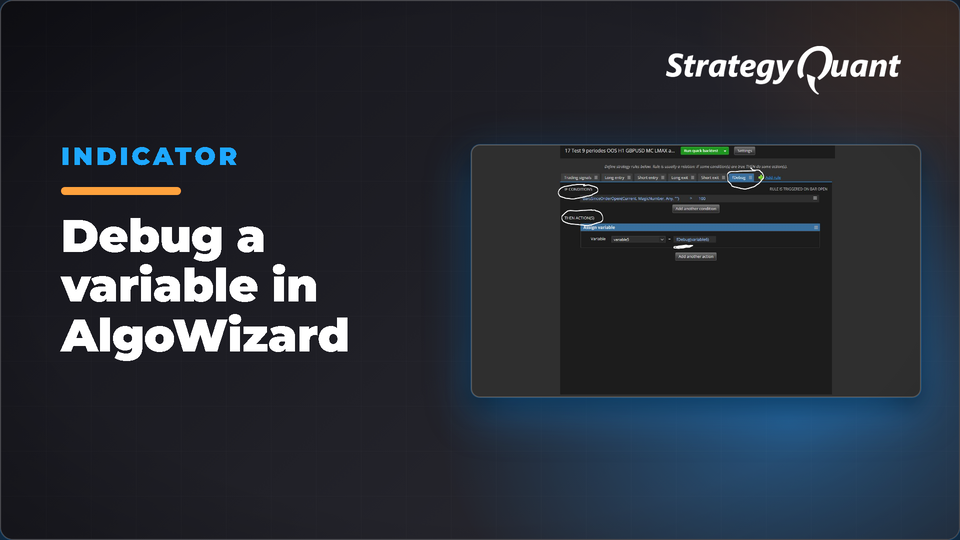
    2/ To run it in AlgoWizard, just click on “Add rule” , select If Then / OnBarUpdate (please see Capture4a)

    In the if conditions, select the condition where the function will print the variable to the log

    please see “Capture4a” and “Capture2a” attached

    In Then Action , assign a variable with the function Debug. We can select this function as we edit a new condition

    please see “Capture3” attached

    This function is using the fdebug function in java to output it to the log of StrategyQuant in this directory : “\StrategyQuantX135\user\log\StrategyQuant”

    An example of output is

    19:51:54.087 [Blocking computeThread common #26 – Builder_2-Generation 3.0.61] INFO c.s.tradinglib.debug.Debugger – fDebug – Var : 0
    19:51:54.087 [Blocking computeThread common #17 – Builder_2-Generation 3.0.43] INFO c.s.tradinglib.debug.Debugger – fDebug – Var : 0

    I attached an example of strategy with an debug rule, you have to replace variable6 by any variable you want to watch. (Variable6 is only an empty variable to show this example)

    You can activate the Debug mode on by switching the “DebugMode” parameter to 1. StrategyQuant will slow down to write the log to the hard drive.

    You can desactivate the Debug mode on by switching the “DebugMode” parameter to 0 to let the computer run.

    (In AlgoWizard see “Capture5” and In the retester see “Capture6-7-8-9” attached to change the parameter of a strategy)

    I hope this will help the StrategyQuant Community.

    package SQ.Blocks.Functions;
    import SQ.Internal.ValueBlock;
    import com.strategyquant.lib.*;
    import com.strategyquant.datalib.*;
    import com.strategyquant.tradinglib.*;
    @BuildingBlock(name="(Deb) Debug", display="Debug(#varName# , #Value#)", returnType = ReturnTypes.PriceOrNumber)
    @Help("Log to file VarName , Value")
    @SortOrder(1700)
    @IgnoreInBuilder
    public class Debug extends ValueBlock 
    {
        @Parameter(defaultValue="Var : " )
        @Help("Name of the Variable")
        public String varName;
        @Parameter
        @Help("Value of the Variable")
        public IBlock Value;
        //------------------------------------------------------------------------
        @Override
        public double OnBlockEvaluate(int relativeShift) throws TradingException
        {
            fdebug("Debug ", varName + Value.evaluateBlock(relativeShift));
            return 1;  
        }
    }
    Past performance is no guarantee of future success. All information should be viewed as educational only UNITED STATES Disclaimer required by Government - Commodity Futures Trading Commission informs: Futures and options trading have great potential rewards, but also great potential risk. You must be aware of the risks and be willing to accept them in order to invest in the futures and options markets. Don't trade with money you can't afford to lose. This is neither a solicitation nor an offer to buy/sell futures, shares or options on the same. No representation is being made that any account will or is likely to realise profits or losses similar to those discussed in this document. The past performance of any trading system or methodology is not necessarily indicative of future results. CFTC RULE 4.41 - HYPOTHETICAL OR SIMULATED PERFORMANCE RESULTS HAVE CERTAIN LIMITATIONS. UNLIKE A RECORD OF ACTUAL PERFORMANCE, SIMULATED RESULTS DO NOT REPRESENT ACTUAL TRADING. ALSO, SINCE THE TRADES WERE NOT EXECUTED, THE RESULTS MAY HAVE OFFSET THE IMPACT, IF ANY, OF CERTAIN MARKET FACTORS, SUCH AS LACK OF LIQUIDITY. SIMULATED TRADING PROGRAMMES IN GENERAL ARE ALSO SUBJECT TO THE FACT THAT THEY ARE DESIGNED WITH THE BENEFIT OF HINDSIGHT. NO REPRESENTATION IS BEING MADE THAT ANY ACCOUNT WILL OR IS LIKELY TO REALISE PROFITS OR LOSSES SIMILAR TO THOSE SHOWN. NO REPRESENTATION IS BEING MADE THAT ANY ACCOUNT WILL, OR IS LIKELY TO, REALISE PROFITS OR LOSSES SIMILAR TO THOSE DISCUSSED WITHIN THIS SITE. IF YOU DECIDE TO INVEST REAL MONEY, ALL TRADING DECISIONS IN THE FINANCIAL MARKETS SHOULD BE YOUR OWN.
    Free

    Files

    • Snippet-DebugavariableinAlgoWizard.sqm8 KBLocked

    Download unlocks after purchase or with an active tier.

    Details
    Version1.0.0
    PublishedOctober 19, 2026
    Last updatedOctober 22, 2026
    AppSQ
    TypeSnippet
    AuthorEmmanuel
    App version145.3058
    Codebase categoryIndicators / Signals