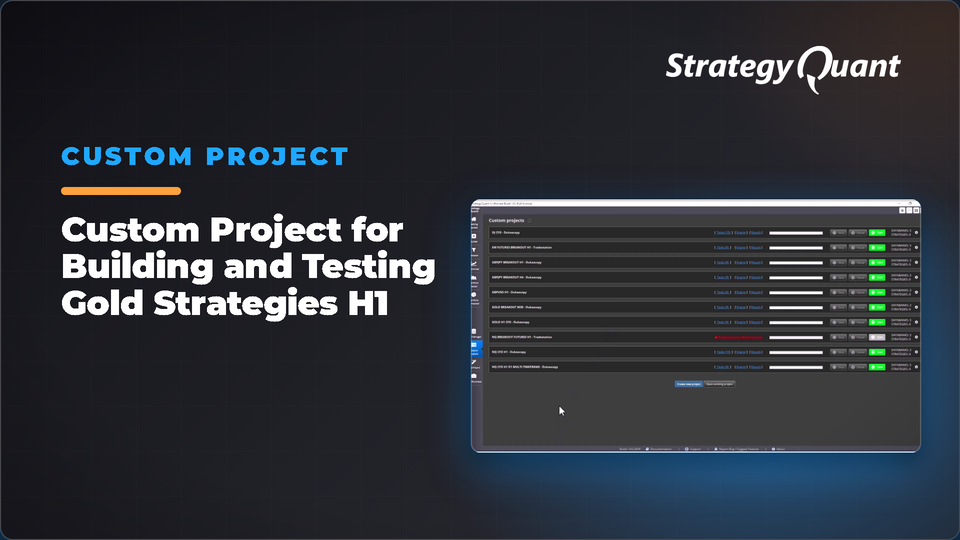
Custom Project for Building and Testing Gold Strategies H1
StrategyQuantCustom Projects
Generate and test Gold strategies on H1 using random generation with ATR and indicator-based exits. Includes multiple out-of-sample validation periods and comprehensive Monte Carlo testing. The included build config / custom project keeps the author's broker settings (symbol, engine, timeframe). After installing, set your own data in every task.
Building strategies for Gold on H1:
Input Sample to generate strategies: 2009.01.01 to 2019.01.01
OOS1: 2003.05.05 to 2008.12.31
OOS2: 2019.01.01 to latest data
Stop-loss and Take-profit: ATR and/or Indicators
Mode: Random Generation
Important Note: Spread used is 60, although my broker show it as 45, but to be on the safe side I took the default value.
Testing:
Slippage, Different time frames, Different Monte Carlo tests (Exact, Resample, Slippage, Skipping, Historical, Parameters, Overall test), last OOS2.
I would love if you can share your thoughts to enhance it, and let me know if you could generate good strategies.
Data and broker settings
The custom project was set up on the author's broker data:
These settings are not converted to your data automatically. If a symbol is not in your Data Manager, StrategyQuant X may use a different symbol and a shorter date range. Before you run it:
1. Open every task (Build, Retest, Monte Carlo…) and choose your own symbol, timeframe and engine on the Data tab.
2. Set the in-sample and out-of-sample dates to match your data.
3. Check spread, commission and slippage for your broker.
4. Save the project or config under your own name.