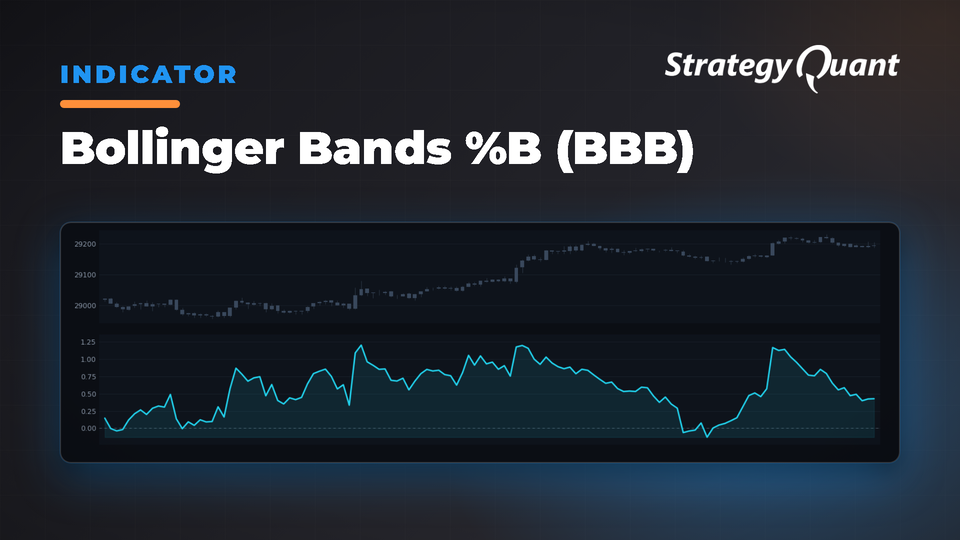
Quantifies price distance to Bollinger Bands (0-1 scale) to identify overbought/oversold conditions quickly. Use for trend confirmation and combining with divergence blocks to catch early reversals.
Bollinger Bands %B is a technical oscillator that quantifies how close the market price is to the upper or lower Bollinger Bands. By converting this distance into a percentage value from 0 to 1, it offers a quick way to gauge whether the market is approaching overbought (near 1) or oversold (near 0) conditions.
Key Parameters
• Period
– Usually set to 20 in classic Bollinger Band settings.
– Defines how many bars/candles are used to calculate both the moving average and the standard deviation. Lower periods respond more quickly to price shifts, while higher periods produce smoother signals.
• Deviation
– Commonly set to 2.
– Determines how far above and below the moving average the bands are plotted. Larger deviations create wider bands to capture more market volatility.
• Input
– Most often the closing price, but can be any data series (e.g., High, Low, or a custom series).
– Impacts the measurement by defining the price point from which Bollinger Bands are calculated.
Usage in Practice
• Overbought/Oversold IndicationWhen %B is near 1, price is close to the upper band, which may suggest overbought conditions. Near 0 indicates price is close to the lower band, potentially signaling oversold conditions.
• Trend AnalysisA strong uptrend often keeps %B hovering near the upper band, whereas a strong downtrend tends to keep it near the lower band.
• Strategy Integration with DivergenceIn StrategyQuant, Bollinger Bands %B can be combined with new Divergence Comparison Blocks to detect divergence between price action and the %B oscillator. This approach may provide earlier or more reliable signals regarding potential trend reversals.
By understanding these parameters and how to read the %B values, traders can adapt the Bollinger Bands %B oscillator to suit different trading styles and market conditions.
Indicator is implemented for: MT4/MT5/Tradestation/ Multicharts.
You can easily do your conditions in Custom blocks. More information you can find here:
You know me as clonex. I’m Ivan Hudec — I built the free blocks you’re using here, and I write about the research behind them at algotrading.space. Need something built? Work with me.
Free
Files
Snippet-BollingerBandsBBBB.sqm17 KBLocked
Download unlocks after purchase or with an active tier.