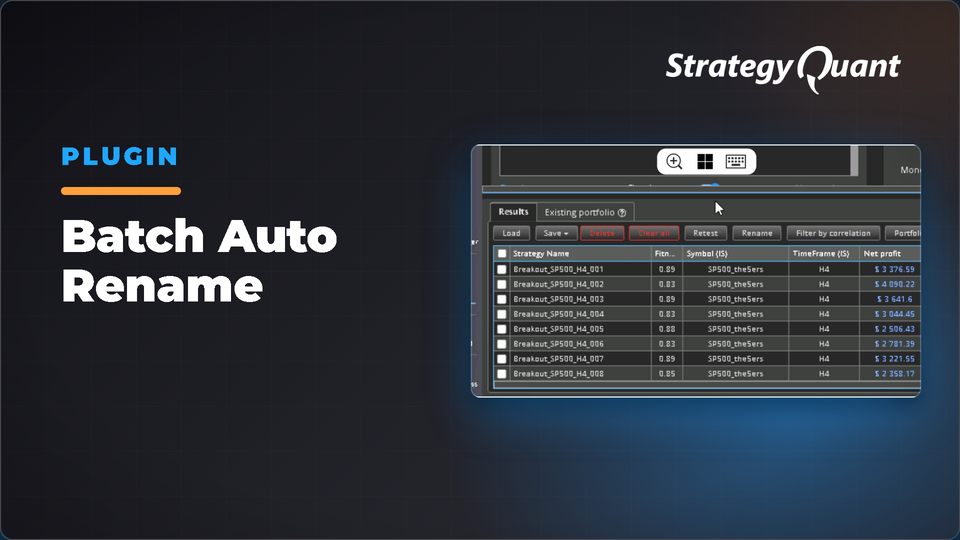
Batch-rename strategies automatically using TradingStyle_Ticker_Timeframe format. Detects ticker and timeframe from backtest data, prevents duplicate names, and handles mixed symbol groups with independent counters.
SQX AutoRename
A StrategyQuant X plugin that adds a single‑click Auto Rename button to every databank toolbar.
Overview
Automatically renames selected strategies using the format:
• Ticker and timeframe are read automatically from each strategy’s backtest data
• Numbers are sequential and never duplicate existing names in the databank
• Mixed batches (multiple symbols/timeframes) each maintain their own independent counter
1. Open StrategyQuant X
2. Go to Code Editor → Plugins
3. Select AutoRename and click Compile
4. Restart SQX
After restarting, the Auto Rename button will appear in the databank toolbar, to the right of the Tools menu.
Usage
1. Select one or more strategies in any databank
2. Click Auto Rename
3. Enter a Trading Style (e.g. Breakout, Momentum, Counter_Trend)
4. Review the preview of the new names
5. Click Rename