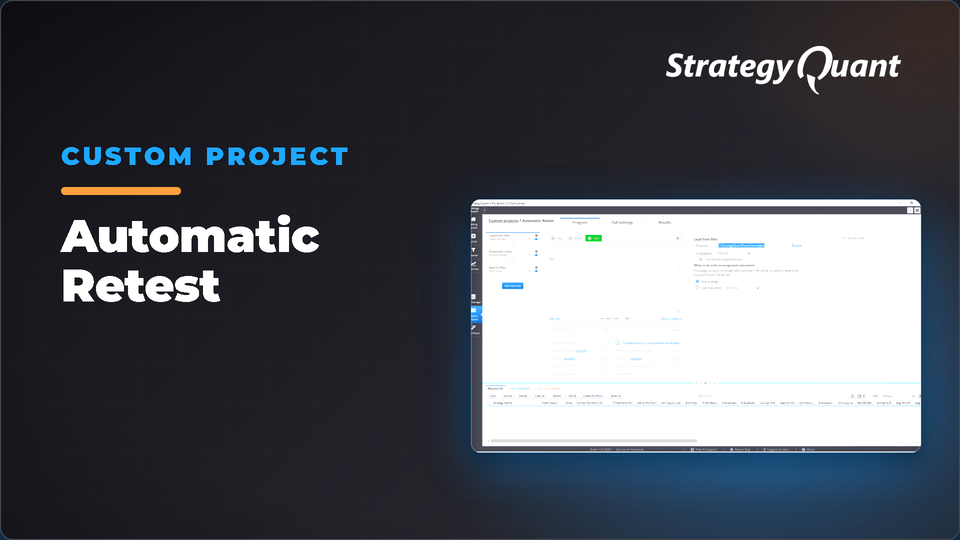
Automates batch retesting of strategies by loading files from a directory, running backtests with updated data, and saving results. Useful for systematically validating multiple final strategies. The included build config / custom project keeps the author's broker settings (symbol, engine, timeframe). After installing, set your own data in every task.
Automatic retest is a custom project which helps you to automate retesting of final strategies. You can easily load strategies and make actual backtest for all strategies in directory.
Before starting the automatic retest task you need to update data in Data Manager. For Dukascopy data or SQ futures data it is very simple. You can easily just click on the Update all button and Data Manager will download the latest data from our CDN network.
Download the cfx file in the header and load into Custom projects.
Automatic Retest contains these tasks:
• Load strategies into result databank. Please note that default directory is C:StrategyQuantXuserstrategies)
• Make backtest with the latest data (please note that symbol has to match with symbol used in strategy latest backtest)
• Save strategies into output directory. Default directory C:StrategyQuantXuserstrategiesOutput
Data and broker settings
The custom project keeps the data settings of the author's broker.
These settings are not converted to your data automatically. If a symbol is not in your Data Manager, StrategyQuant X may use a different symbol and a shorter date range. Before you run it:
1. Open every task (Build, Retest, Monte Carlo…) and choose your own symbol, timeframe and engine on the Data tab.
2. Set the in-sample and out-of-sample dates to match your data.
3. Check spread, commission and slippage for your broker.
4. Save the project or config under your own name.
Free
Files
CustomProject-AutomaticRetest.sqm1 KBLocked
Download unlocks after purchase or with an active tier.